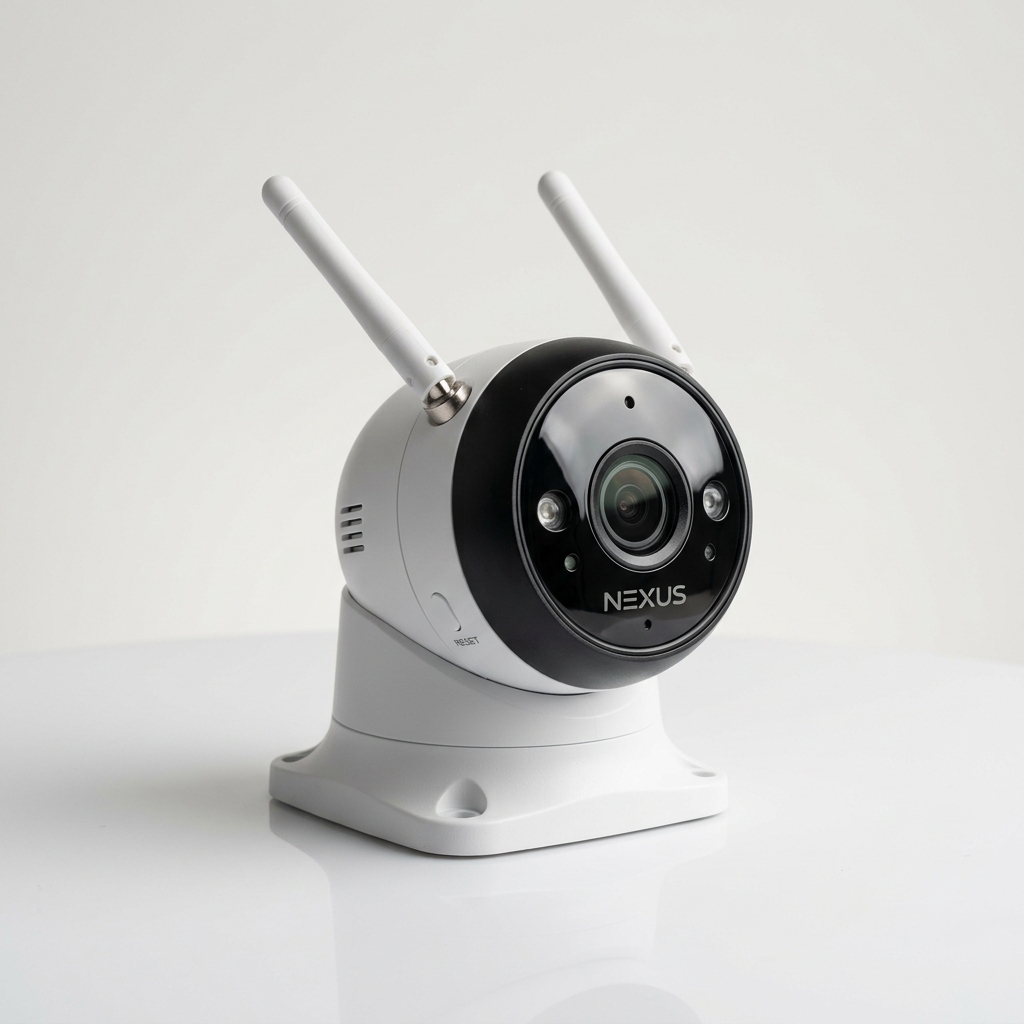
A correct CCTV camera mobile viewing setup lets owners check live video, playback, alerts and recordings from outside the shop or home.
Setup steps
- Create an account in the camera brand app.
- Enable platform access or P2P from DVR/NVR settings.
- Scan the QR code from the device menu.
- Test viewing on mobile data.
Need help with security planning?
Talk to ACME Infotech for CCTV, biometric attendance, access control and AMC support in Surat.